Release v1.74.0 – Account deletion
Delete your account and schedule all identifying data for deletion.
A long-missing feature has finally been added. Hopefully, none of you will ever need it. But if you do, for whatever reason, it is now available.
We have also launched this new documentation site, and took a step closer towards completing the multi-realm functionality by adding a client release management system.
Features
Account deletion
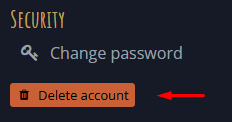
On the Mucklet Account - Overview page, there is now a Delete account button under the Security section:
Clicking it opens a dialog where you confirm using your password or a Google confirmation link:
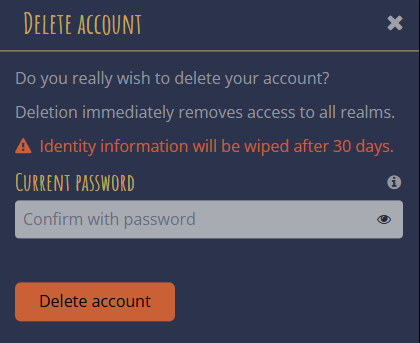
Access to all realms is withdrawn as soon as the account is deleted, and all identifying data is scheduled for deletion after 30 days.
If you try to log in during the 30-day period, you can either restore the account or keep it deleted:
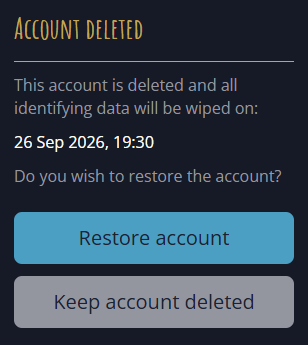
Once the deadline has passed, all identifying data is deleted, and the account may no longer be restored.
#521Mucklet Docs
The site you are currently visiting was created as part of this release.
Its purpose is to host Mucklet documentation, such as release notes, guides, API references, and scripting resources. At launch, it contains only release notes.
Welcome to Mucklet Docs!
Client release management
Available to: Mucklet overseers
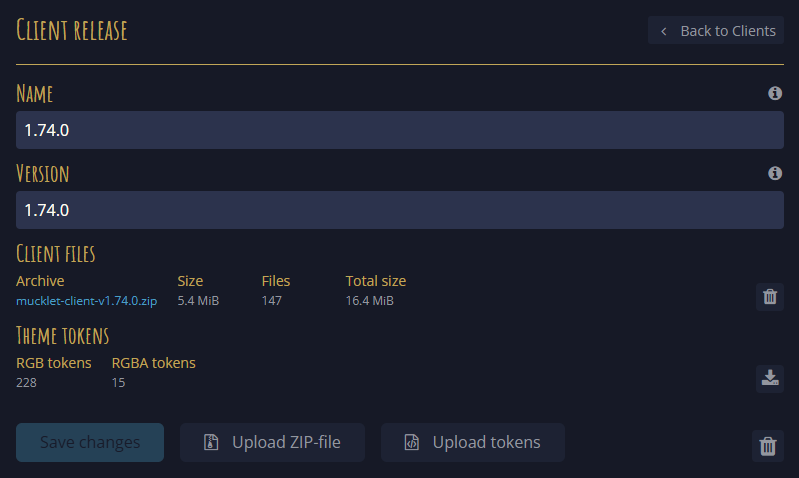
A new management system for client releases enables realms to upgrade the client to new versions without manual server deployment.
Improvements
SCSS class cleanup
Several SCSS files defined classes that were not used by any components. Those unused classes have now been removed.
#523Fixes
clearCacheAndReload errors were not handled
If a client update failed while clearing the cache and reloading, the error was not handled correctly. This has been fixed.
#514Google account selection was not shown
After signing out of an account linked to Google, choosing Sign in with Google again returned you directly to Mucklet without displaying the Google account-selection screen. This has been fixed; the account-selection screen is now displayed.